How do I change the settings on my Philips Shaver S7000?
Published on 24 June 2026
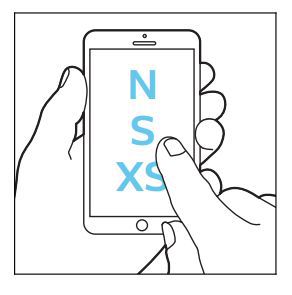
The sensitive shave settings on your Philips Shaver S7000 can only be changed through the Philips GroomTribe App. By default, the shaver is set to S (sensitive). Via the app you can change the settings to XS (extra sensitive) or N (normal). The symbols S and XS on the shaver indicate which settings you have selected. For some shaver models the N symbol is not displayed on the shaver.